





Designing Pinterest Pins That Stop the Scroll and Drive Real Results
This is all about how to create Pinterest pin designs that actually work. If you're creating content for Pinterest, you're not just posting something cute—you're designing for a visual search engine. That means every pin needs purpose, strategy, and intention behind it. Pinterest rewards content that's clear, helpful, and easy for users to take action on.
Let's walk through how to create Pinterest pin designs that actually perform, inspired by the core best practices highlighted by Full Circle Digital.
I may earn a commission if you decide to make a purchase and sometimes if you just click on at link at no additional cost to you. Please read my disclosure page for more info.
👉🏾 Before we deep dive into Pinterest- remember the following:
If we simplify everything:
Fresh Pins + Strong SEO + Clear Value + Consistency = Distribution and Traffic
If even one of those is missing, results drop. Pinterest isn't random. It's scientific, predictable, and data-driven. And when you master it, Pinterest becomes the engine that feeds your blog, digital products, Etsy store, or YouTube—all day, every day.
1. Start With Pinterest's Recommended Pin Size
Pinterest is very particular about dimensions. Vertical pins consistently perform best because they take up more visual real estate on mobile feeds.
Use a 2:3 aspect ratio
- Recommended size: 1000 x 1500 px
- Avoid long pins that may get cut off or suppressed
This ensures your design looks crisp and professional everywhere it appears.
Choose High-Quality, Relevant Images.
Your image is the first thing a user notices. It needs to connect quickly with what your pin is about.
Keep images:
- High-resolution
- Clean and uncluttered
- Relevant to the content on the other side of the click
Visual accuracy builds trust, and trust builds clicks.
✅ Bonus Tip: Conistency is key… The Pinterest Algorithm loves consistency.
You can not pin today and skip a month and wonder why you aren't getting engagement…
3. Use Text Overlay That's Short, Clear, and Compelling
Pinterest users scroll fast, but they'll stop if your text offers a benefit.
Text guidelines:
- Keep it short—7 words or less when possible
- Use large, easy-to-read fonts
- Include value-driven headlines like:
- “Quick Meal Prep Ideas”
- “Beginner's Guide to Budgeting”
- “How to Start a Side Hustle”
TIP: Remember, Pinterest is keyword-driven. Your text plays a part in SEO..
4. Keep Your Design Simple
Clean designs outperform busy ones every single time. Minimalism is not empty—it's intentional.
Simplicity checklist:
- Wide spacing
- One focal point
- No more than 2 fonts
- No competing elements
This helps your audience instantly understand what's in it for them.
5. Stick to a Consistent Branding Style
Branding is more than logos—it's about creating visual familiarity.
Ways to stay consistent:
- Use the same 2–3 brand colors
- Stick with one or two font pairings
- Add a small URL or logo in the bottom corner
When your pins become recognizable at a glance, your saves and clicks increase.
6. Use Color Intentionally
Color impacts mood, attention, and readability.
Smart color choices:
- High contrast between text and background
- Colors that reflect the mood of your message
- Avoid overly neon or saturated palettes that strain the eye
Remember, the goal is clarity, not chaos.
7. Make Multiple Pin Variations for the Same Link
One blog post or product can have 5 to 10 pins. Pinterest rewards consistency and experimentation.
Try variations in:
- Background image
- Headline wording
- Text placement
- Color combinations
Then track which ones perform best.
Always Optimize Your Pin Title and Description
Don't skip the SEO part.
In your description include:
- Keywords your audience is searching for
- A clear summary of the content
- A soft call to action like “save this for later” or “learn more”
This step helps Pinterest understand where to show your pin..
Ask the Three Questions That Make or Break a Pin
Before you hit publish, evaluate your design like a strategist, not a hobbyist.
Is your pin helpful?
Your pin should offer value in seconds. If a user can't understand what they'll gain, they'll keep scrolling.
Helpful pins usually:
- Teach something
- Show something
- Solve something
- Inspire something
Does your pin solve a problem?
Pinterest users are intentional. They're not just browsing—they're searching for solutions.
Your pin should answer a need such as:
- how to save money
- what to cook tonight
- how to organize something
- how to start a project
If your pin solves a clear problem, Pinterest will distribute it more.
Is your pin visually clear at a glance?
A strong pin communicates its message in under three seconds. If a user has to squint, slow down, or guess what your pin is about, clarity is missing.
Ask yourself:
- Can a first-time viewer instantly understand the topic?
- Is the headline readable on mobile?
- Does the layout guide the eye, not overwhelm it?
- Would someone save this because it's clear, not confusing?
Clarity is conversion. Sometimes a small wording change increases clicks.
Try:
- “Learn how”
- “See the full guide”
- “Save this for later”
- “Try these steps”
Test 3–5 versions to see which drives the most engagement.
🔥 Pro Tip: Batch Your Pinterest Pins Like a System, Not a Struggle
Batch-creating your pins is one of the smartest ways to stay consistent without burning yourself out. Set aside one focused session a week to create 10–20 pin variations for your latest blog posts, products, or digital freebies. Use one template, swap in new titles, alternate background images, and adjust colors. This lets you produce a week or even a month's worth of content in a single sitting. When you batch, you're not creating from scratch every day—you're simply updating a proven layout, saving time, maintaining brand consistency, and giving Pinterest the steady content flow it loves.
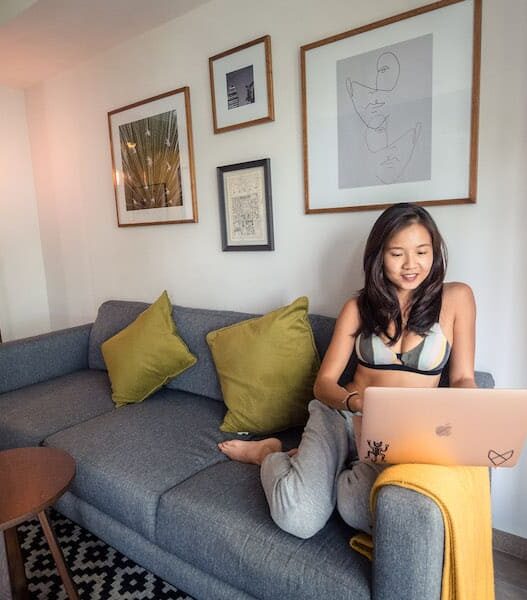
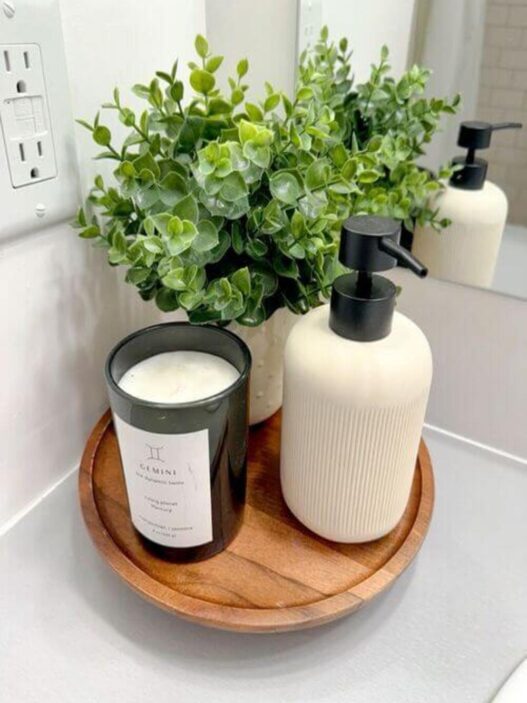
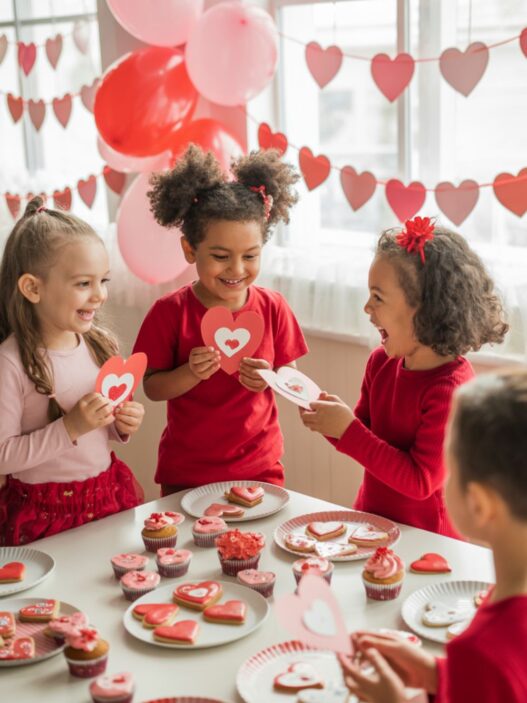
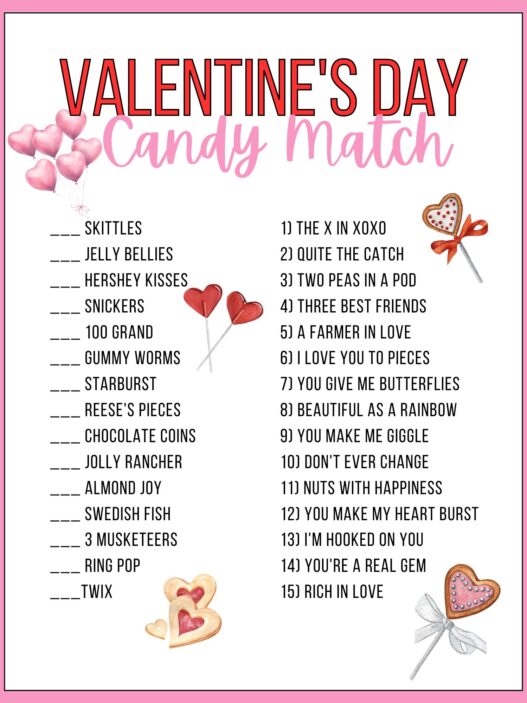
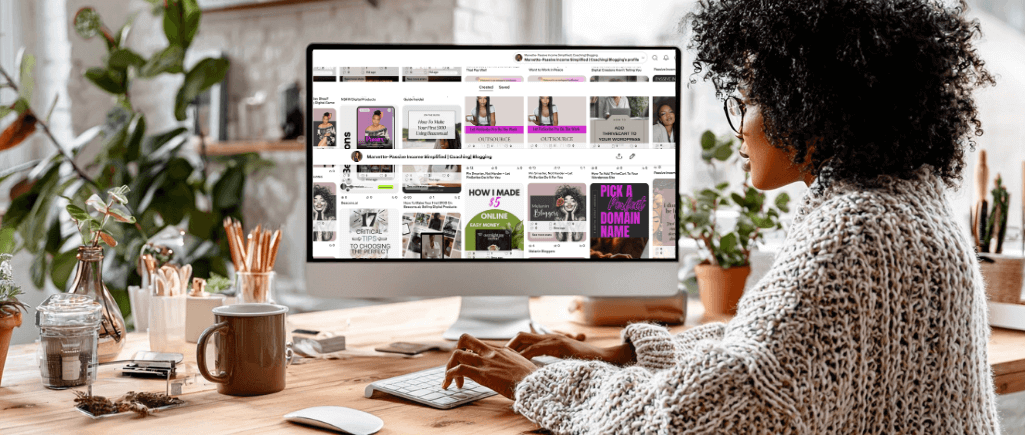
Check Out These Pinterest Pins To Get Inspired
💡 Pro Tip: Inside Passive Income Simplified Society, we teach you everything you need to know about Pinterest.
Final Thoughts from Your Digital Auntie 💅🏾
Great Pinterest pin design is a blend of visual clarity, strategy, and consistency. When your pins are easy to understand, aesthetically aligned with your brand, and optimized for search, your content becomes more discoverable.
Design with intention. Lead with clarity. And let your pins work while you sleep.
Ready to start? Grab PinScribe Pro and let it do the heavy lifting for you. Easily create your pin descriptions like a pro.