

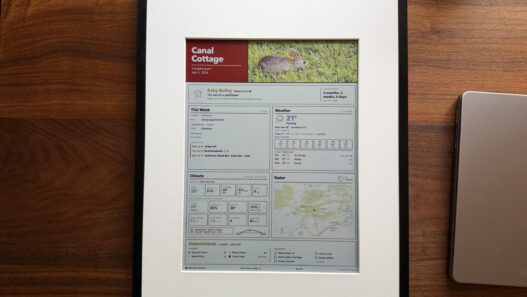




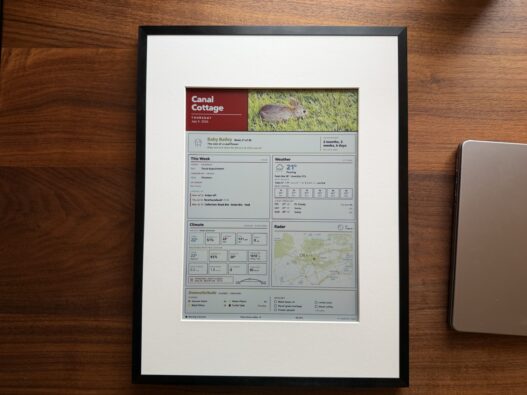
This post is for my fellow nerds, in case any of you want to make a pretty smart home dashboard like mine above! The project is also accessible if you're not as big of a tech nerd as I am, but this one is more for the tinkerers out there!
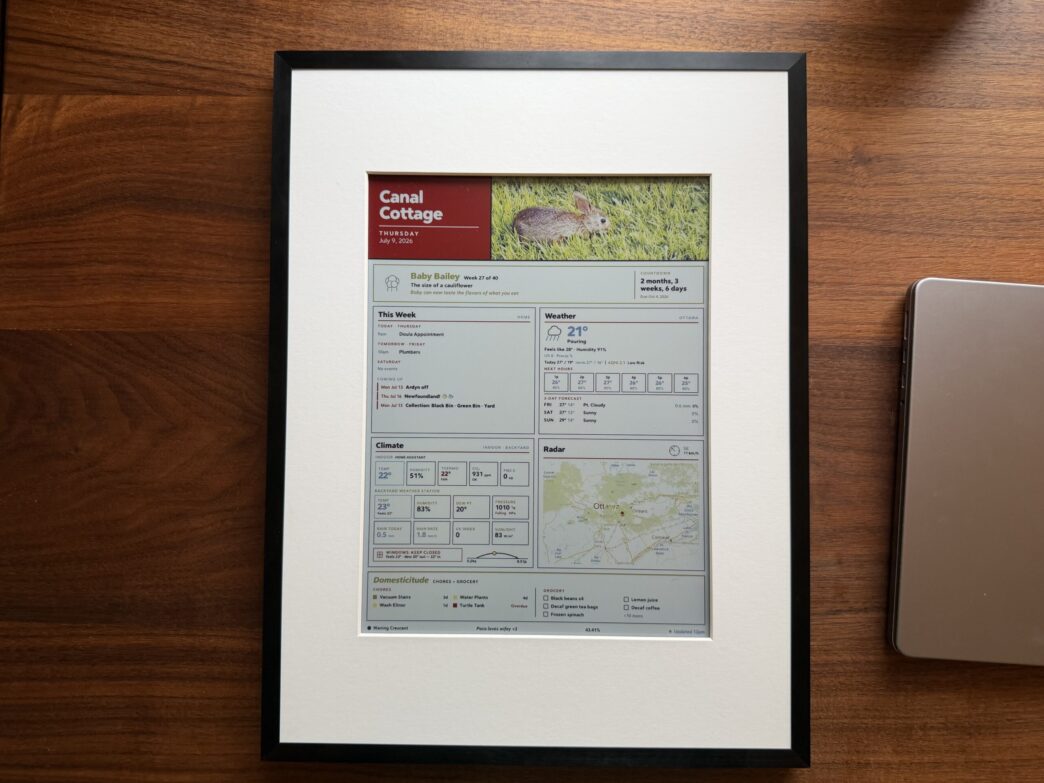
Above is my smart home dashboard. In the photo it's on my desk, but it's usually hanging on the wall where we see it multiple times a day. Over time, my wife and I have come to love the thing. It's a beautiful peek into:
- how our first baby is growing (🥰),
- our joint calendar,
- the current weather (both from Environment Canada and our backyard weather station),
- the climate around our house (from Home Assistant),
- which chores need to get done,
- and what groceries need to get bought.
More than any of these parts, though, it's a calm surface we glance at—no unlocking, no notifications, no blue light.
Before AI, making a custom dashboard like this would have taken a coder days or even weeks. Instead, it took me a couple of focused evenings. You do need to be a bit of a tech nerd (or at least a tinkerer) for this. But if you feel up for the challenge, it's a really fun passion project that adds joy to your home. (AI does most of the heavy lifting—you won't be writing code—but you'll still want some patience and a taste for fiddling.)
—> Here's the skill builder file (.zip) that you can download to drag directly into Claude to make one yourself.
If you want to build one of your own, I made a “Skill Builder” file above that you can download and drag into an app—I recommend Claude Cowork—to have it walk you through building one. Let Claude know what you want to display. And it'll walk you through what you'll need—customized to the features you want on your wall.
Here's what you'll actually need, in plain terms:
- A frame or display to show it all,
- An always-on computer on your home network to push the updates—a Raspberry Pi, a mini-PC, or even an old laptop you already own (I use a Mac Mini), and
- Home Assistant, which is free, if you want to use the smart home features.
I bought a Bloomin8 frame to set ours up, as it's a complete solution. But there are less expensive options as well that the skill builder file can walk you through. All in, this can run anywhere from about $50 for a bare, DIY e-ink panel up to around $500 for a premium color frame like the Bloomin8 I went with, plus that little always-on computer if you don't already have one lying around. And if you love the idea but not the tinkering, you can always pick up a finished dashboard like the TRMNL for around $139 and skip the project entirely.
Some features of the skill file, if you decide to tackle it:
- It can display data from multiple sources. Mine integrates: Home Assistant, Google Calendar, Environment Canada, our backyard weather station, Apple Notes, and even Google Sheets.
- It updates every hour, so the data is always current.
- The display uses e-ink, so it looks gorgeous—plus, e-ink only uses power when it refreshes. That said, hourly refreshing reduces the frame's battery life to a couple of weeks. (You can also just hardwire it over USB for a permanent wall spot, so you're never recharging.)
- A nerdy one: A computer on your local network can push the updates to the frame, so your data stays secure and private.
One honest heads-up before you dive in: budget an evening for things not working on the first try—this is tinkering, after all—and start with just two or three cards before you try to cram twelve onto the screen. It comes together much better when you add to it over time.
This project won't appeal to everyone—or even most people. But if you're a tech nerd like me, or just a big tinkerer, you may have a lot of fun with this one. And if you do build one, I'd genuinely love to see it!